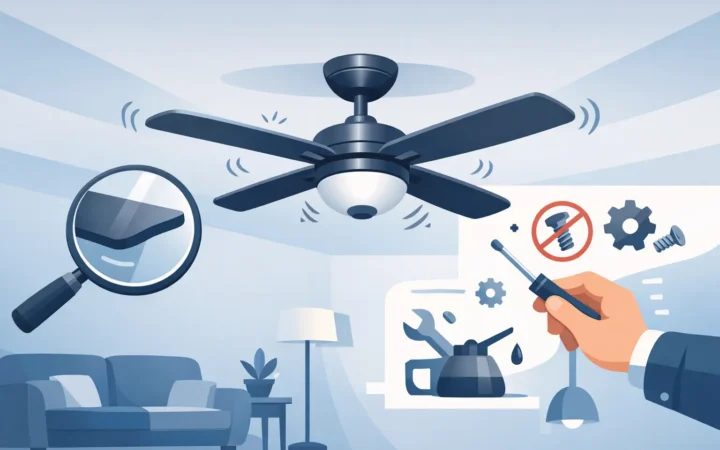
A ceiling fan that sways, clicks, or shakes can make a quiet room feel unsettling. The good news is that many homeowners can fix fan wobble with a few careful checks. The more important news is that a wobbling fan can also point to a loose mounting connection, damaged blade, or electrical issue that should not be ignored.
Start by turning the fan off and allowing the blades to stop completely. Do not try to steady a moving fan by hand, and do not use it while you are figuring out the cause. A little movement is not always an emergency, but noticeable wobble can put extra strain on the fan, its mounting hardware, and the ceiling connection over time.
Why ceiling fans wobble
A ceiling fan rotates at high speed, so even a small imbalance becomes more noticeable as the blades spin. In many cases, the problem is simple: a loose blade screw, accumulated dust, or a blade that is slightly out of alignment. In other cases, the fan may not be securely mounted to a properly rated ceiling fan box.
The timing of the wobble offers a useful clue. If it began after the fan was cleaned, bumped, or fitted with a new light kit, begin with the blades and visible hardware. If the fan has always moved, or if the wobble developed gradually and is getting worse, inspect the mounting connection more closely.
A fan that only wobbles on its highest speed may have a minor blade-balance issue. A fan that shakes at every speed, makes grinding sounds, or appears to move where the downrod meets the ceiling needs more careful attention.
How to fix fan wobble step by step
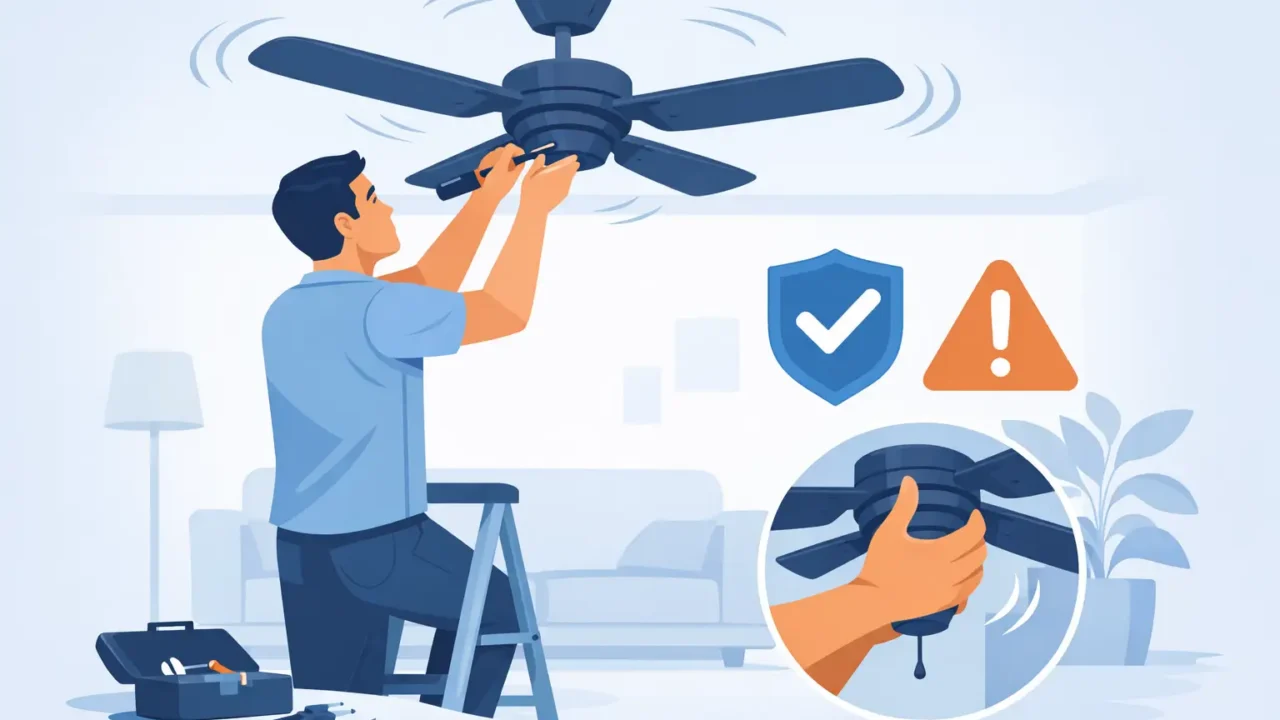
Before using a ladder, turn off power to the fan at the wall switch. For any work involving the canopy, wiring, or electrical box, shut off the appropriate circuit breaker as well. Keep the work area clear, use a stable ladder on a level surface, and ask someone to spot you if the fan is high or difficult to reach.
Clean the blades and check for obvious damage
Dust does not usually cause severe wobble on its own, but uneven buildup can contribute to an imbalance. Wipe both sides of every blade with a soft cloth, then look carefully for cracks, warping, water damage, or a blade that is drooping lower than the others.
Wood-composite and wood blades can change shape with moisture and age. This can be more noticeable in garages, patios, or rooms with higher humidity. A cracked or bent blade should be replaced with the correct manufacturer-approved part. Avoid mixing a replacement blade from another fan model, even if it looks similar. Differences in weight, length, or pitch can make the wobble worse.
Tighten blade screws and blade-arm hardware
With the fan off, check the screws attaching each blade to its blade arm, also called a blade bracket. Then check the screws that secure each blade arm to the motor housing. Tighten them carefully with the correct screwdriver.
Do not force a screw that is stripped, cross-threaded, or will not tighten. Over-tightening can damage the blade or strip the mounting point, especially on lighter blade materials. If a screw keeps loosening, the fan may need a replacement screw or a closer inspection of the hardware.
While you are there, check any visible screws on the light kit, globe, and pull-chain assembly. A loose light fixture can create a rattle that feels like a fan-wobble problem.
Compare blade height and alignment
Stand back from the fan and look at the blade tips. They should appear to be at roughly the same height. A noticeable difference may mean one blade arm is bent or a blade has warped.
For a more precise check, measure from the ceiling to the tip of each blade after rotating it to the same position. Write down each measurement. Small differences can sometimes be corrected by gently adjusting a blade arm, but this is a situation where caution matters. Bending the arm too aggressively can create a larger imbalance or weaken the metal.
If one blade sits clearly higher or lower than the rest, inspect that blade and bracket for damage before making adjustments. Replacing the affected part is often a better long-term solution than repeatedly bending it into place.
Use a ceiling fan balancing kit
If all screws are snug and the blades look sound, a balancing kit can solve a minor wobble. Most kits include a plastic balancing clip and small adhesive weights. They are inexpensive and designed specifically for this job.
Place the clip midway along one blade, run the fan at medium speed, and observe whether the wobble improves. Move the clip from blade to blade until you identify the position that reduces movement the most. Once you find it, apply an adhesive weight near that location, following the kit instructions.
This process takes patience. Make only one change at a time, and test the fan after each adjustment. Adding several weights at once makes it difficult to tell what is helping. If a fan needs an excessive number of weights or still shakes noticeably, the root cause may be mounting-related rather than blade balance.
Check the mounting connection safely
The fan canopy is the cover at the ceiling that hides the mounting bracket and wiring. If the fan seems to move at the ceiling rather than simply wobble at the blade tips, stop using it until the mounting hardware has been checked.
With the breaker off, you may be able to lower the canopy enough to inspect for loose screws on the mounting bracket. However, do not disconnect wires or attempt to modify the electrical box unless you are qualified to do that work. A ceiling fan must be supported by an outlet box rated for ceiling-fan use, not just a standard light-fixture box.
Pay attention to the downrod and ball joint on fans that hang from a rod. The downrod set screw and safety pin should be secure. A loose connection there can cause movement, clicking, or a fan that appears to swing below the canopy.
If the bracket is loose, the box shifts, the ceiling around the fan shows cracking, or you cannot confidently identify a fan-rated mounting point, leave the fan off. These are not balancing-kit problems.
When not to keep troubleshooting
Some symptoms call for a professional evaluation or a replacement decision rather than another round of adjustments. Stop using the fan if you notice burning smells, smoke, sparks, buzzing from the wiring area, a hot switch, damaged wiring, or a fan that sags from the ceiling.
You should also pause if the fan has fallen, been hit hard, has a cracked motor housing, or continues to wobble after the blades, brackets, and mounting screws have been inspected. Older fans can develop worn internal bearings or motor problems that are not practical to repair.
For homeowners in the Dallas-Fort Worth area who have decided an aging or damaged fan should be replaced, Direct Home Pros provides professional ceiling fan installation. Homeowners can choose the fixture they want, receive clear expectations before the appointment, and have the installation tested with the work area cleaned afterward.
Prevent fan wobble from coming back
A quick visual check a few times a year can catch small issues before they become distracting. When dusting the blades, look for loose screws, blade damage, and any new movement at the ceiling. If a fan begins clicking after a seasonal change or after using high speed more often, turn it off and inspect it instead of waiting for the noise to get worse.
Use the fan at the speed that is comfortable for the room rather than treating maximum speed as the default. Higher speed is not inherently unsafe when a fan is correctly installed and balanced, but it makes any small imbalance easier to feel and hear.
A stable ceiling fan should cool the room quietly, not demand your attention every time it turns on. Address the simple causes carefully, and treat any movement at the ceiling as a reason to stop, inspect, and choose the safer next step.